
Back up GitHub repository using Google Cloud Storage Bucket
About Google Cloud Storage Bucket
Cloud Storage allows world-wide storage and retrieval of any amount of data at any time. You can use Cloud Storage for a range of scenarios, including serving website content, storing data for archival and disaster recovery, or distributing large data objects to users via direct download.
Set up Google Cloud Storage Bucket
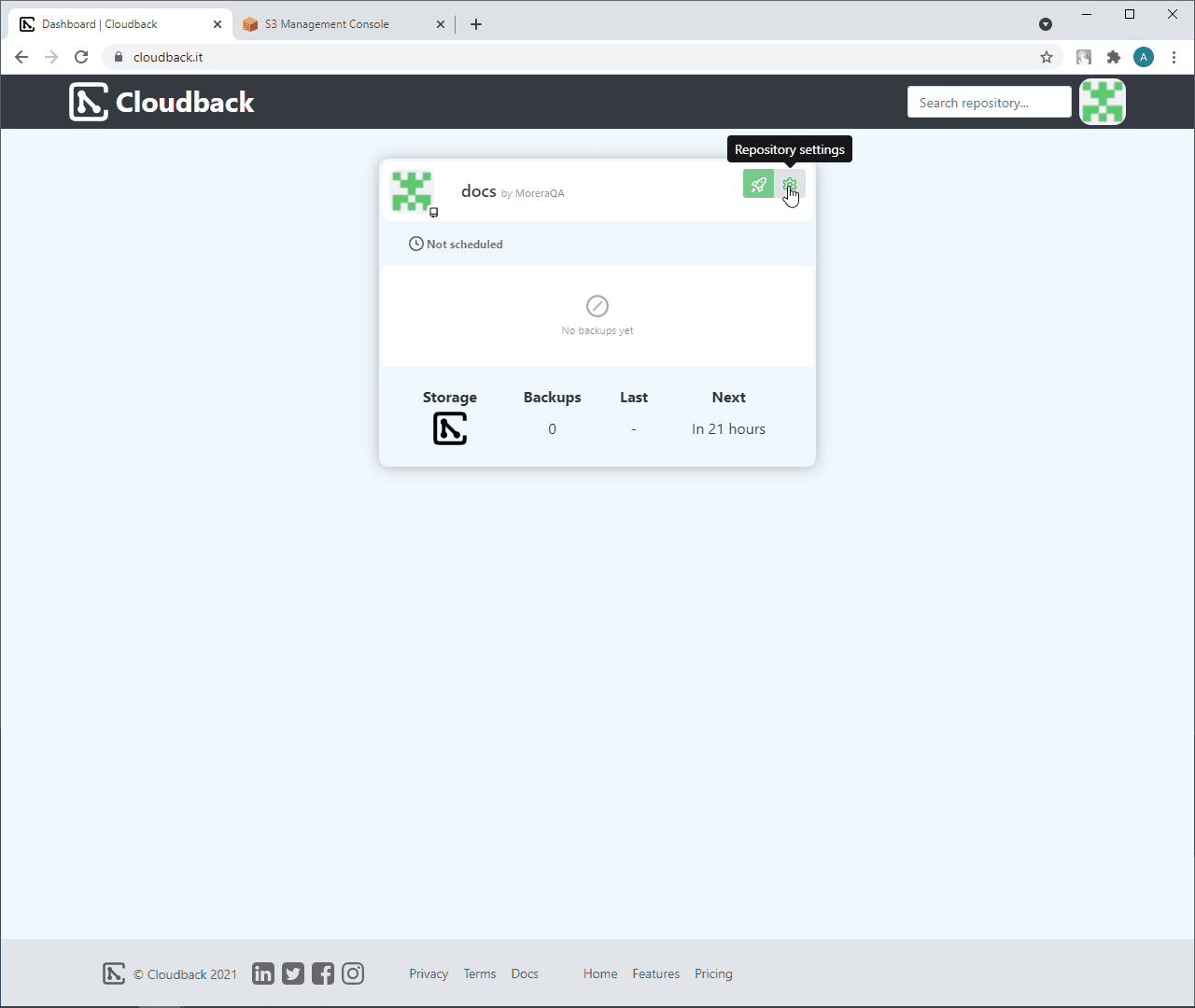
In the Cloudback Dashboard, open the repository settings by clicking on the settings icon:
Click on the
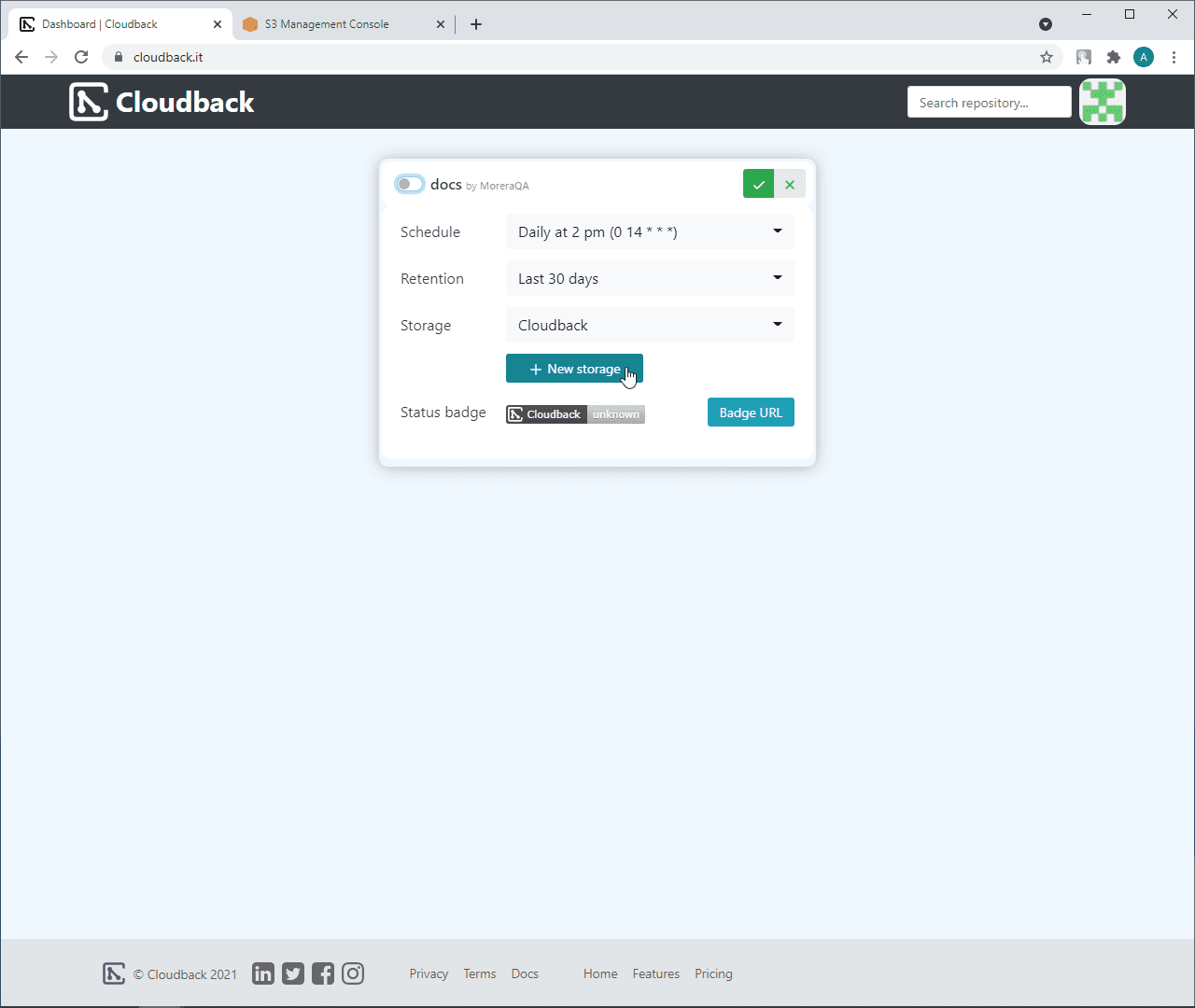
+ New storagebutton:
Type a storage name
Select
Google Cloud Storage BucketCreate Google Cloud Storage Bucket
Click on the name of your bucket
Select
Permissonstab and click on+ADD:

Copy Service Account information from
Step 2:

Paste it to the
New membersfieldSelect
Storage Object AdminasRoleand click onSave:

In Step 3, type your bucket name and click on
Save:

The new storage will be selected as a storage for this repository
Click on the ‘Save changes’ button to apply the changes for the repository:
